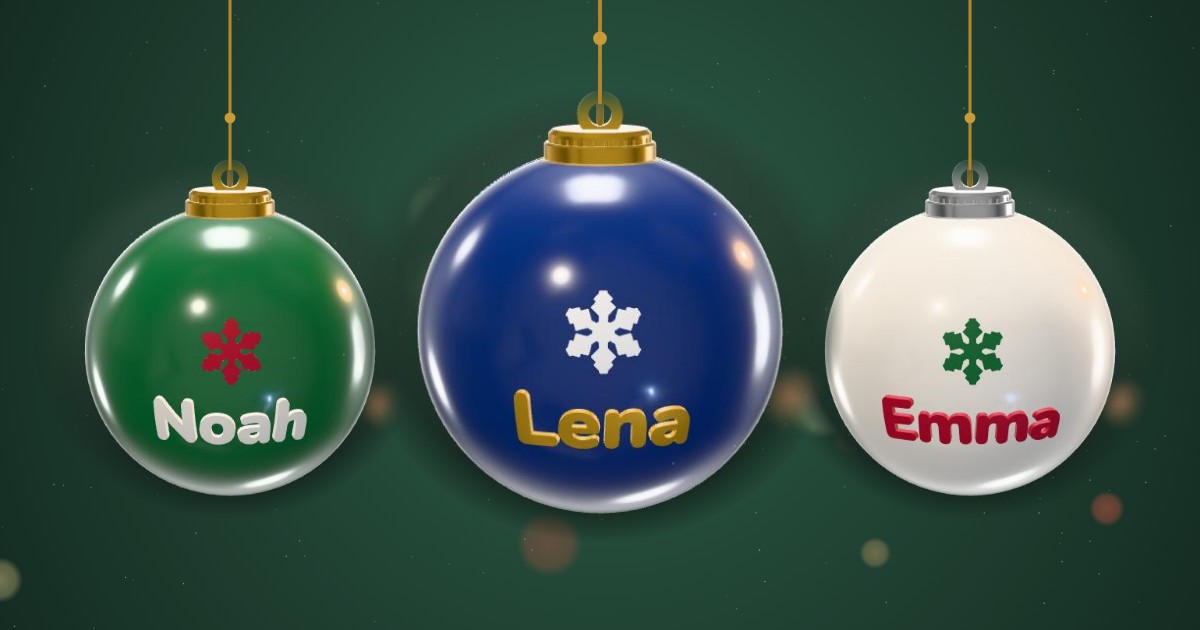

Eine Kugel pro Person am Tisch, mit dem Namen drauf: Dafür habe ich einen Konfigurator gebaut. Name eintippen, Motiv und Farben aussuchen, Datei laden, drucken.
Er kostet nichts und braucht keine Anmeldung. Deine Namen werden nirgends gespeichert, denn alles läuft direkt in deinem Browser. Gedruckt wird ohne Stützen, und ein AMS brauchst du nicht.
Das kann der Konfigurator
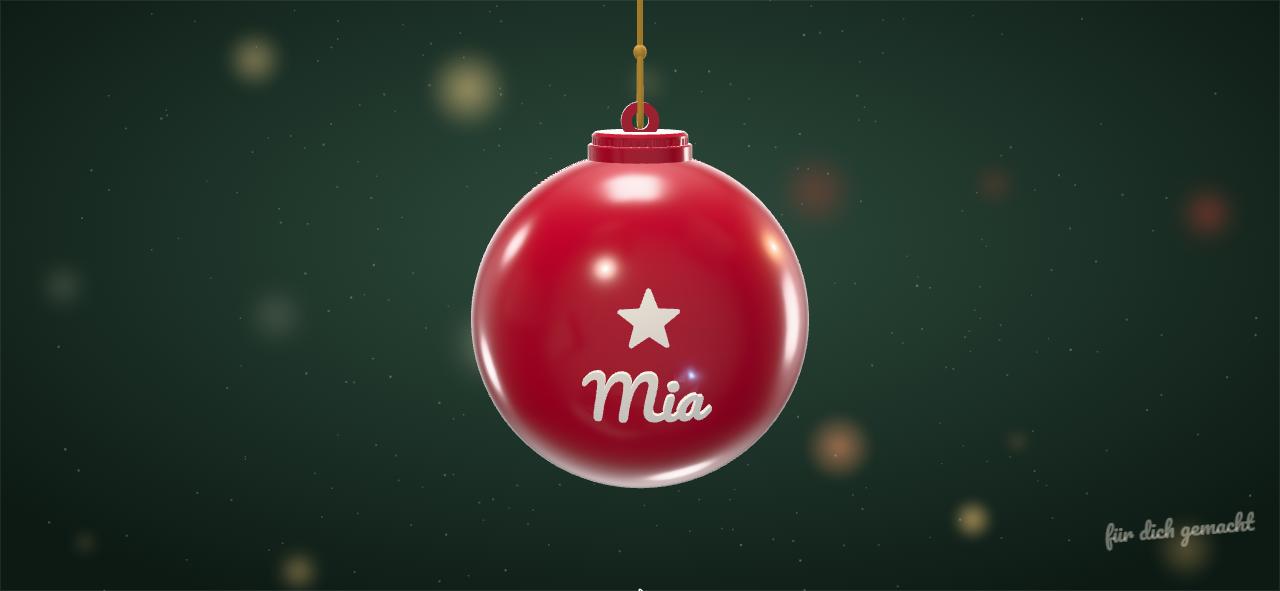
- Name eintippen, dazu 8 Schriften zur Auswahl
- Widmung auf der Rückseite, bis zu 2 Zeilen
- Größe 60, 80 oder 100 mm
- Schrift erhaben oder ausgeschnitten
- Öffnung unten für eine Lichterkette
- 11 Motive
- Bis zu 4 Farben: Kugel, Kappe, Schrift und Motiv
- Download als STL, 3MF oder 3MF für AMS
- Viele Namen auf einmal als ZIP
- Druckt ohne Stützen, geht auch ohne AMS
- Läuft komplett im Browser, Lizenz CC BY-NC-SA 4.0
Bis zu vier Farben legst du fest: Kugel, Kappe, Schrift und Motiv. Mit AMS druckst du alles in einem Rutsch, ohne AMS kommen Schrift und Kappe als eigene Teile in der zweiten Farbe dazu.
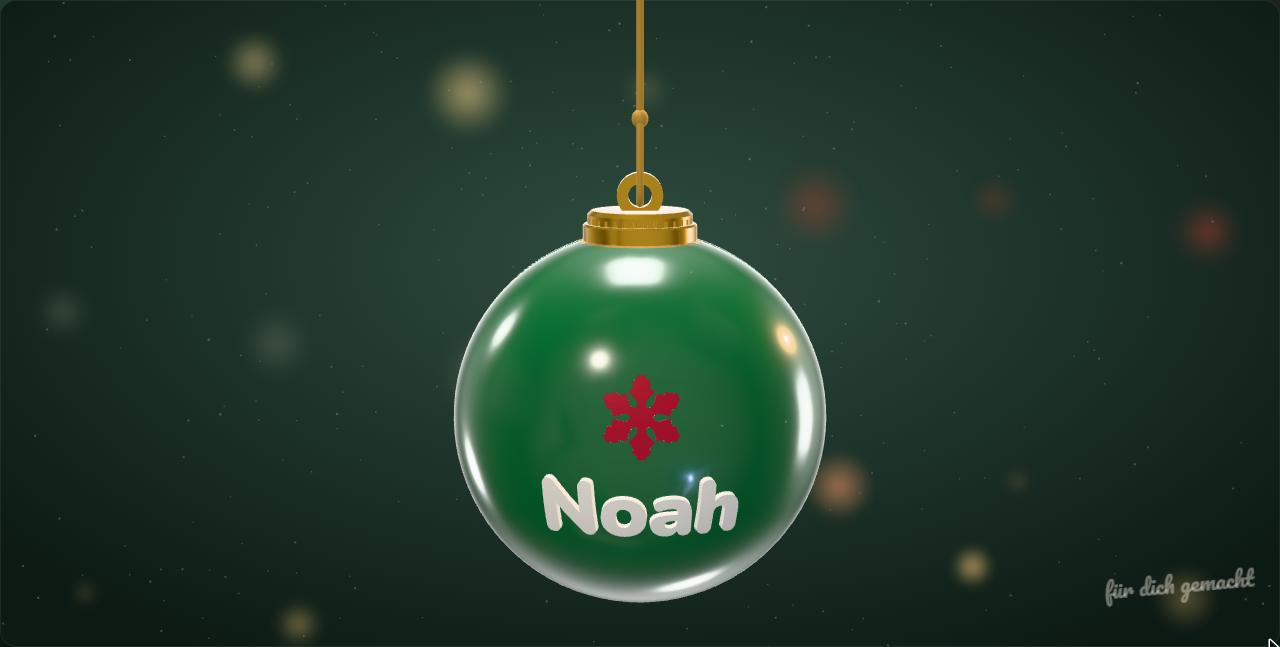
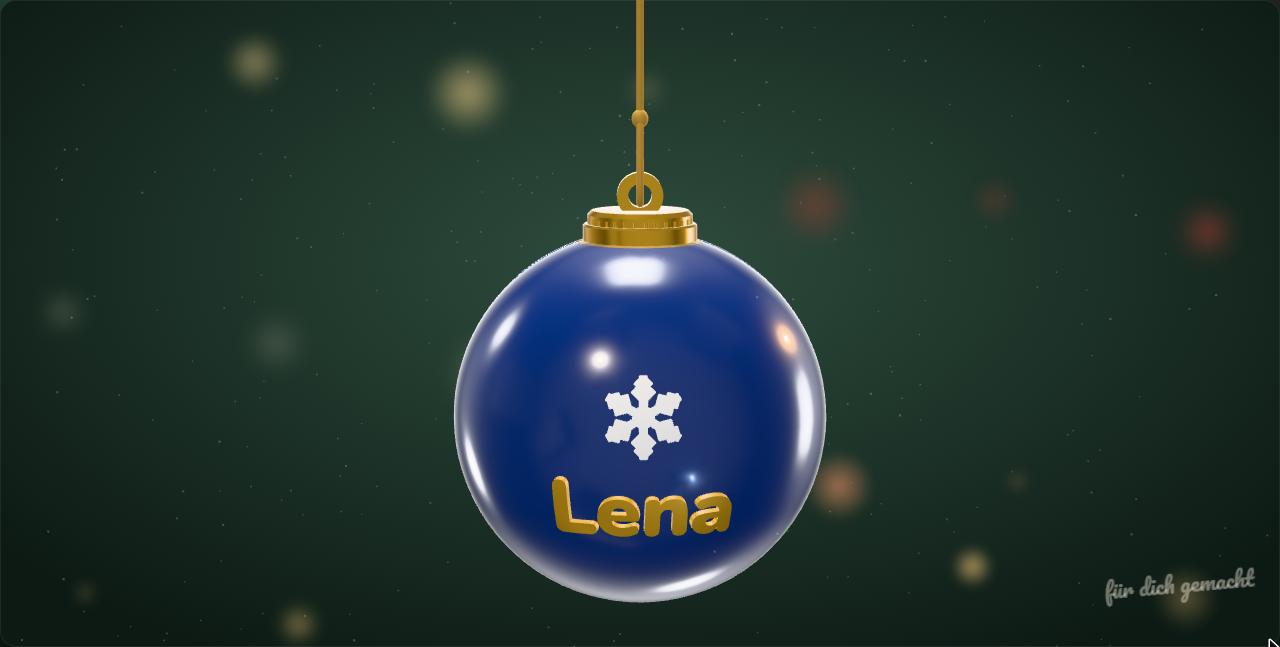
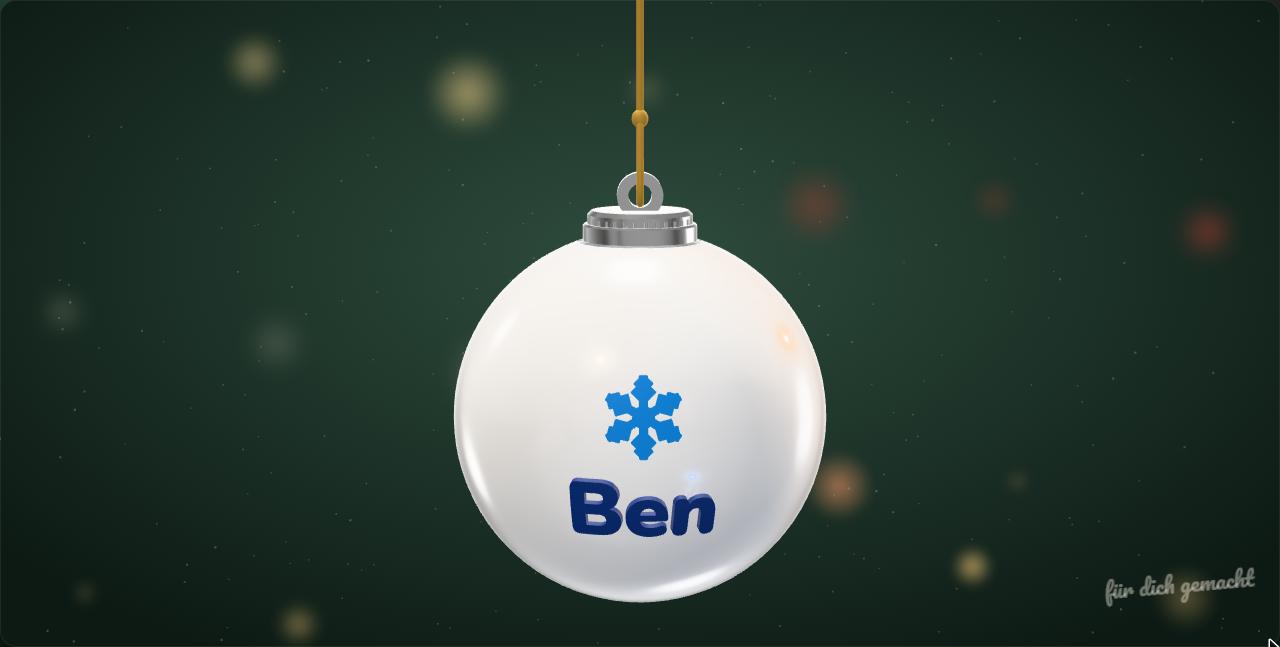
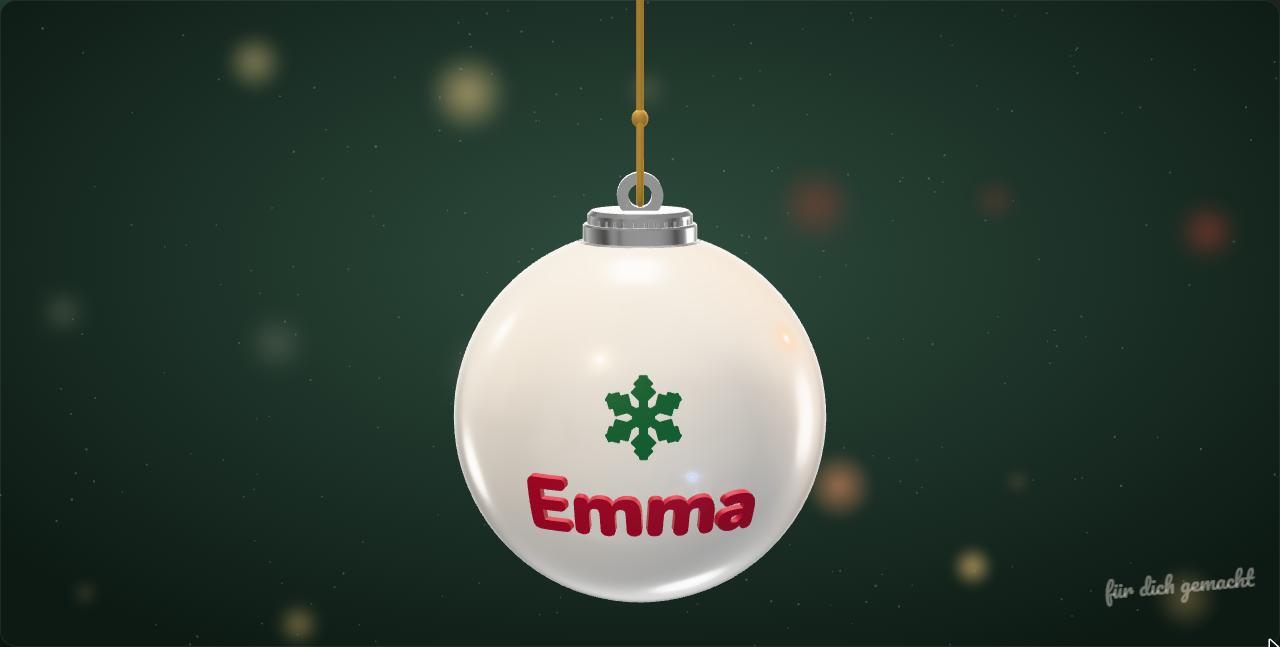
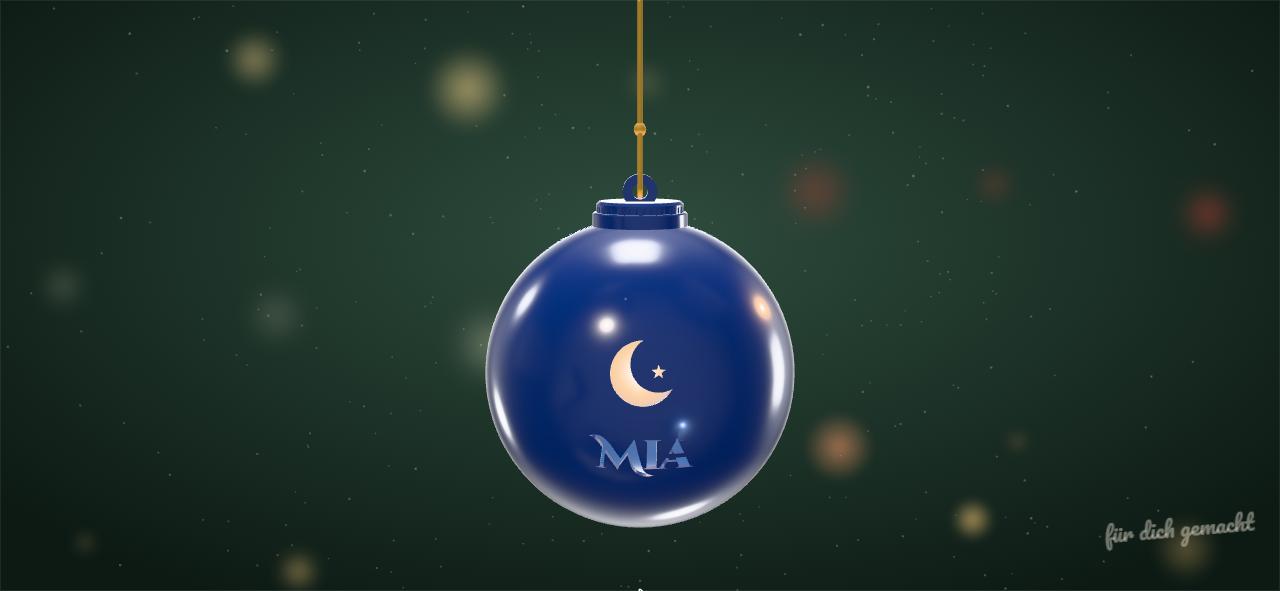
Elf Motive und acht Schriften: Einfach ein paar Kombinationen durchprobieren. Die 3D-Vorschau kannst du mit der Maus drehen und von allen Seiten ansehen.
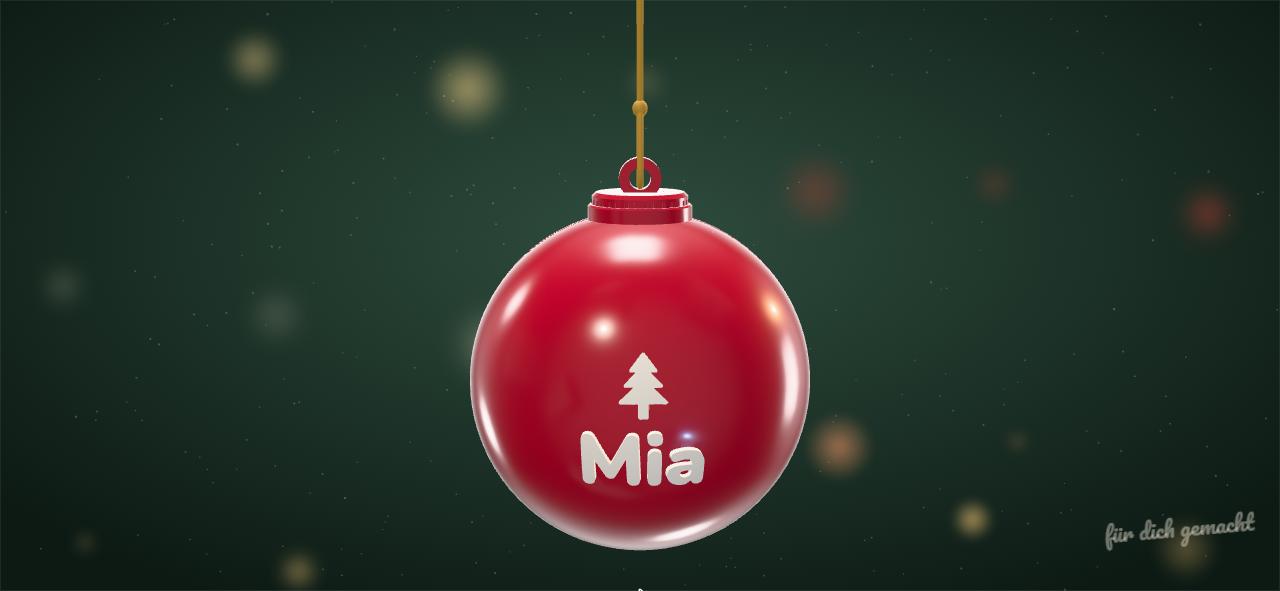
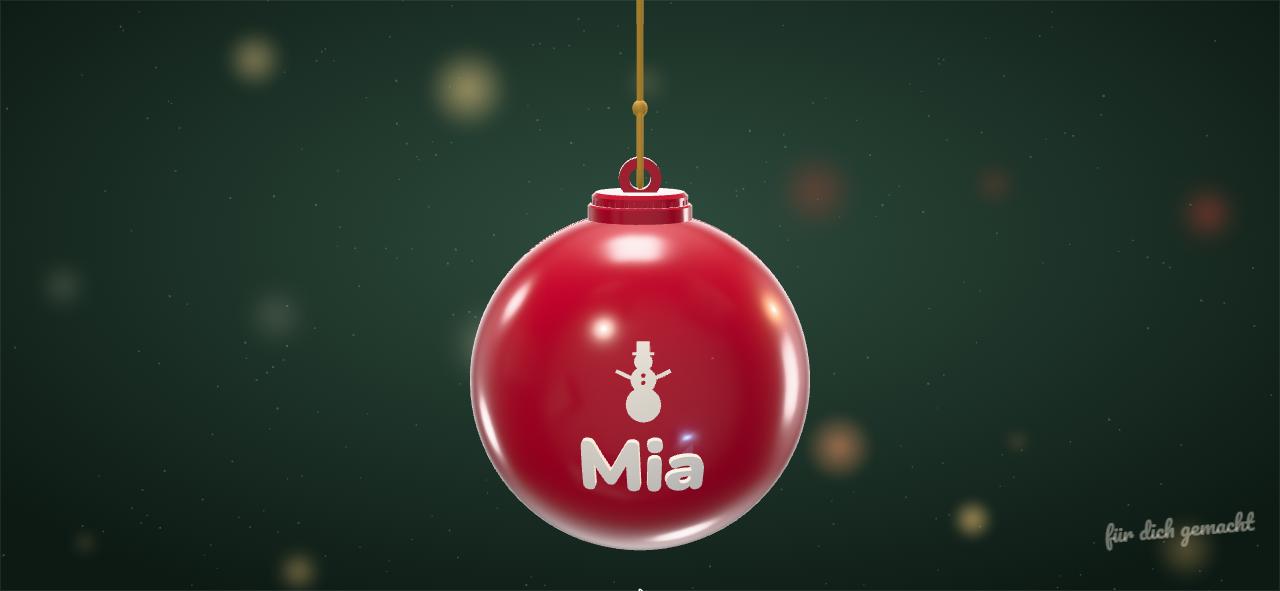
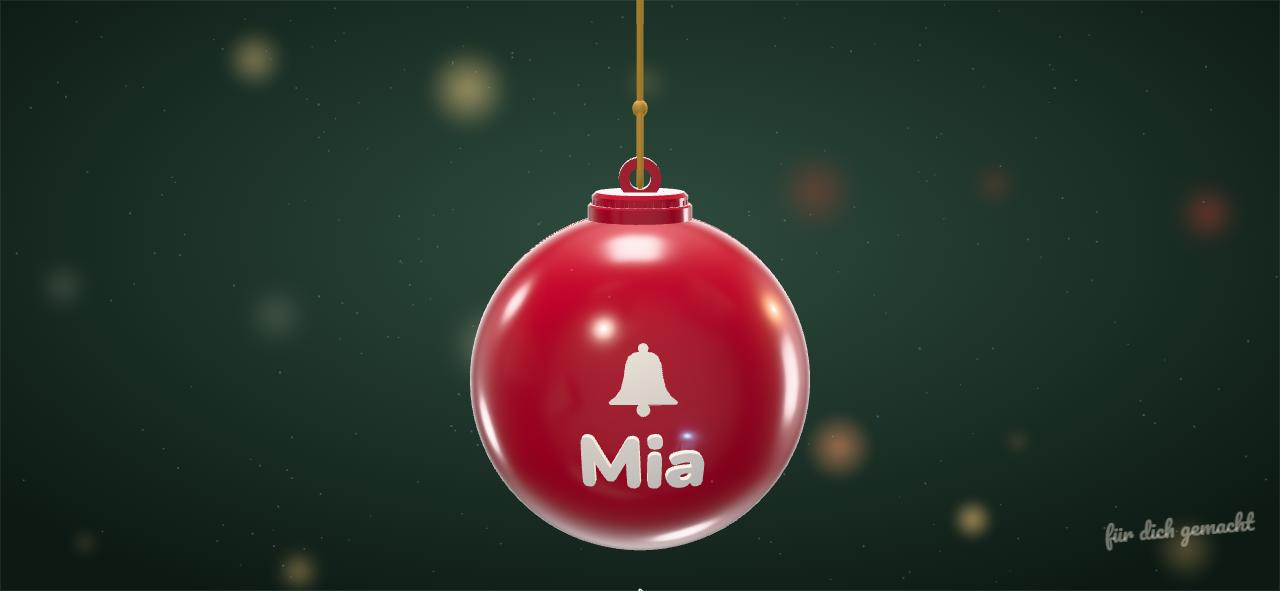
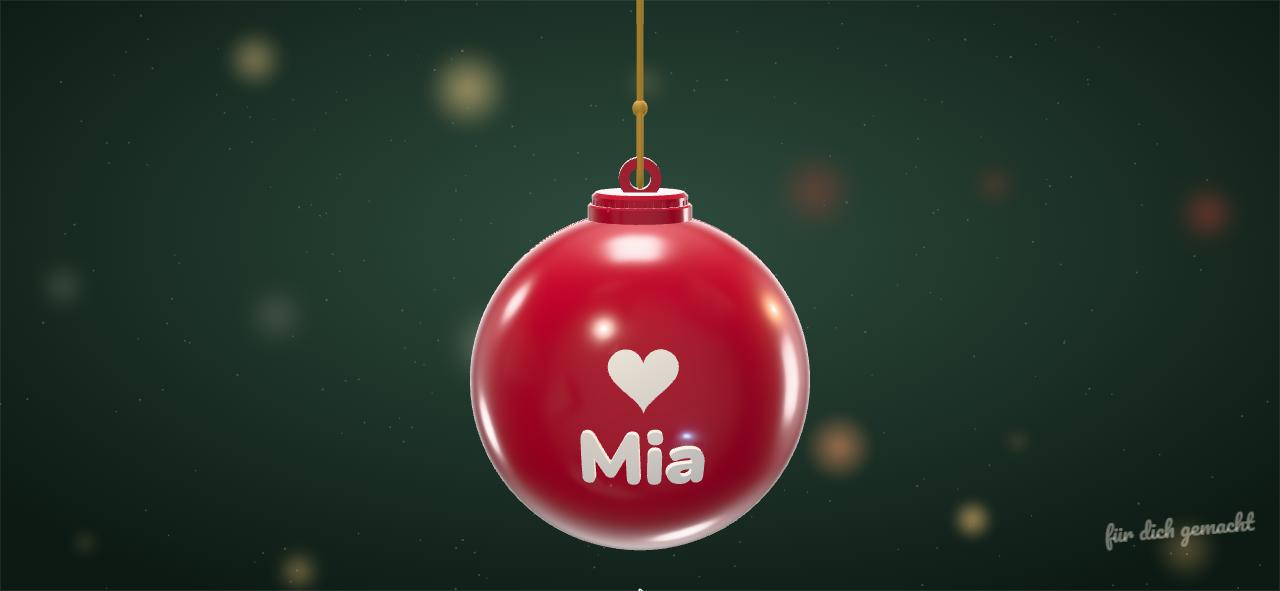
Mit der Öffnung unten lässt sich eine Lichterkette in die Kugel einführen. Ob die Schrift erhaben oder ausgeschnitten sein soll, stellst du separat ein.
So druckst du sie
Die Kugel besteht aus zwei Halbschalen und einem Ring. Schrift und Kappe kannst du bei Bedarf als eigene Teile in einer zweiten Farbe drucken. So geht’s:
- Beide Halbschalen mit der flachen Seite nach unten und der Kuppel nach oben drucken. Stützen brauchst du nicht.
- Den flachen Ring drucken, in eine Hälfte drücken und die zweite Hälfte aufsetzen.
- Ohne AMS: Die Buchstaben in einer zweiten Farbe drucken und in die Vertiefungen kleben.
- Mit AMS: Die Datei „3MF für AMS“ öffnen. Text, Motiv und Kappe sind schon platziert, du weist jedem Teil nur noch ein Filament zu.
- Ohne AMS, wenn die Kappe eine eigene Farbe bekommen soll: Die zwei Kappenhälften flach drucken und oben in die Aussparung kleben.
- Einstellungen: 0,2 mm Schichthöhe, 3 Wände, PLA. Die äußere Wand langsam drucken (etwa 60 mm/s), dann wird die Kuppel schön glatt.
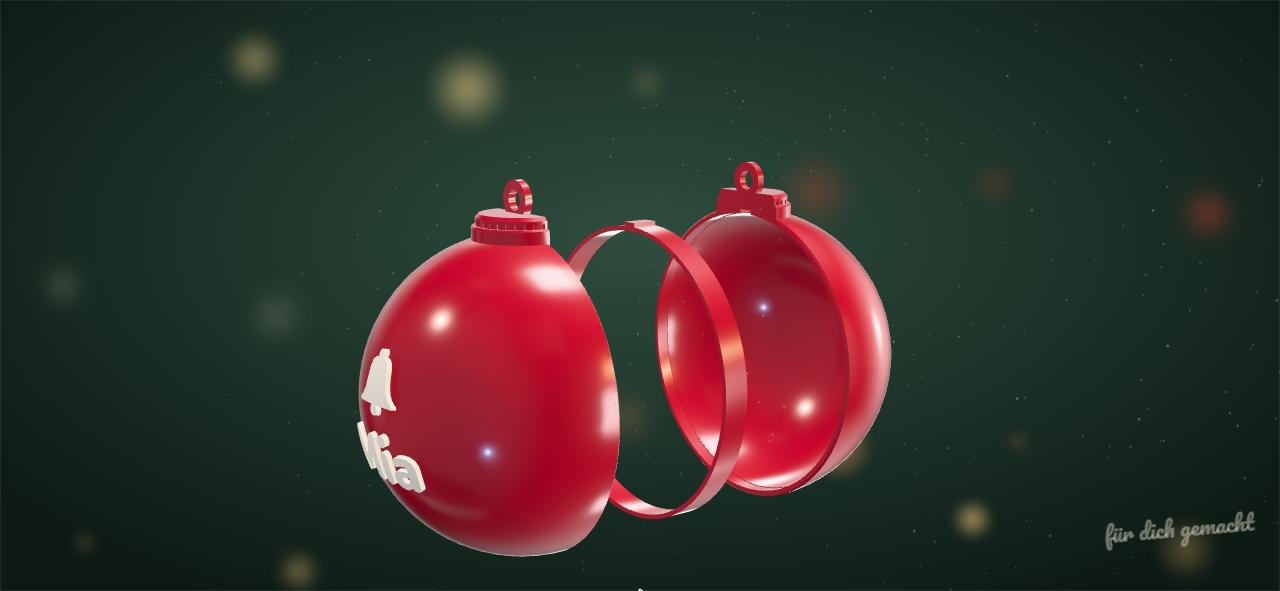
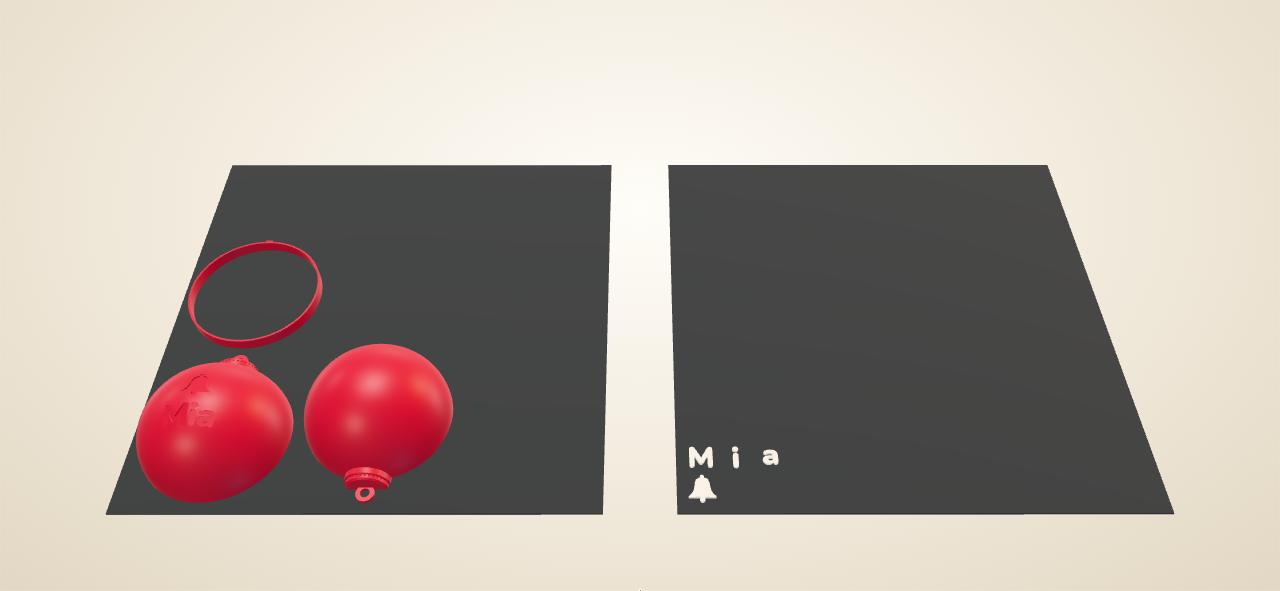
Im Konfigurator siehst du die Teile einzeln und die fertige Druckplatte, bevor du irgendetwas herunterlädst.
Kleiner Tipp
Glänzendes Silk-PLA für die Kugel, Creme oder Gold für die Schrift. Die Kugel passt in die Hand und taugt auch als Geschenkanhänger.
Häufige Fragen
Brauche ich einen Mehrfarbdrucker (AMS)?
Nein. Du kannst die Schrift separat in einer zweiten Farbe drucken und einkleben oder die Kugel einfach einfarbig lassen.
Welche Größe passt an den Baum?
60 mm für kleine Plätze und Geschenkanhänger, 80 mm als Klassiker, 100 mm als Hingucker. Lange Namen passen besser auf die größeren Kugeln.
Wie lange dauert der Druck?
Bei 80 mm und 0,2 mm Schichthöhe etwa 2,5 bis 3 Stunden für beide Hälften und den Ring, dazu ein paar Minuten für die Buchstaben.
Darf ich die Kugeln verkaufen?
Die Dateien stehen unter CC BY-NC-SA 4.0. Privat drucken und verschenken ist in Ordnung, verkaufen nicht.
Werden meine Namen gespeichert?
Nein. Alles läuft in deinem Browser, es wird nichts hochgeladen.
Gibt es den Konfigurator auch auf Englisch?
Ja, in zwei Varianten: als US-Version mit „ornament“ und „color“ und als britische Version mit „bauble“ und „colour“. Die Links stehen unten.
Auch auf Englisch
Deutsch: weihnachtskugel.3djupp.de
US-Englisch: christmas-ornament.3djupp.de
Britisches Englisch: christmas-bauble.3djupp.de
Frohes Drucken, Dominic
One ornament per person at the table, with their name on it: That is why I built this configurator. Type a name, pick a motif and colors, download the file, print it.
It is free and needs no sign-up. Your names are not stored anywhere because everything runs right in your browser. It prints without supports, and you do not need an AMS.
What the configurator can do
- Type a name, with 8 fonts to choose from
- A dedication on the back, up to 2 lines
- Size 60, 80 or 100 mm
- Lettering raised or cut out
- An opening at the bottom for a string of lights
- 11 motifs
- Up to 4 colors: ornament, cap, lettering and motif
- Download as STL, 3MF or 3MF for AMS
- Many names at once as a ZIP
- Prints without supports, works without an AMS too
- Runs completely in your browser, licensed CC BY-NC-SA 4.0
You set up to four colors: ornament, cap, lettering and motif. With an AMS you print everything in one go. Without one, lettering and cap come as separate parts in the second color.
Eleven motifs and eight fonts: Just try a few combinations. You can rotate the 3D preview with your mouse and look at it from every side.
The opening at the bottom lets you slide a string of lights into the ornament. Whether the lettering is raised or cut out is a separate setting.
How to print it
The ornament consists of two half shells and a ring. Lettering and cap can be printed as separate parts in a second color if you like. Here is how:
- Print both half shells flat side down with the dome up. You do not need supports.
- Print the flat ring, press it into one half and put the second half on top.
- Without an AMS: Print the letters in a second color and glue them into the recesses.
- With an AMS: Open the “3MF for AMS” file. Text, motif and cap are already placed, you only assign a filament to each part.
- Without an AMS, if you want the cap in its own color: Print the two cap halves flat and glue them into the recess on top.
- Settings: 0.2 mm layer height, 3 walls, PLA. Print the outer wall slowly (about 60 mm/s) and the dome comes out smooth.
The configurator shows you the individual parts and the finished build plate before you download anything.
Quick tip
Glossy silk PLA for the ornament, cream or gold for the lettering. It fits in your hand and also works as a gift tag.
FAQ
Do I need a multi-color printer (AMS)?
No. You can print the lettering separately in a second color and glue it in, or just keep the ornament one color.
Which size suits the tree?
60 mm for small spots and gift tags, 80 mm as the classic, 100 mm as a statement piece. Longer names fit better on the larger sizes.
How long does printing take?
About 2.5 to 3 hours for both halves and the ring at 80 mm and 0.2 mm layers, plus a few minutes for the letters.
May I sell the ornaments?
The files are licensed CC BY-NC-SA 4.0. Printing them for yourself and giving them away is fine, selling them is not.
Are my names stored?
No. Everything runs in your browser and nothing is uploaded.
Is there a British English version?
Yes, with “bauble” and “colour”. There is also a German version. The links are below.
Other versions
German: weihnachtskugel.3djupp.de
US English: christmas-ornament.3djupp.de
British English: christmas-bauble.3djupp.de
Happy printing, Dominic
One bauble per person at the table, with their name on it: That is why I built this configurator. Type a name, pick a motif and colours, download the file, print it.
It is free and needs no sign-up. Your names are not stored anywhere because everything runs right in your browser. It prints without supports, and you do not need an AMS.
What the configurator can do
- Type a name, with 8 fonts to choose from
- A dedication on the back, up to 2 lines
- Size 60, 80 or 100 mm
- Lettering raised or cut out
- An opening at the bottom for a string of lights
- 11 motifs
- Up to 4 colours: bauble, cap, lettering and motif
- Download as STL, 3MF or 3MF for AMS
- Many names at once as a ZIP
- Prints without supports, works without an AMS too
- Runs completely in your browser, licensed CC BY-NC-SA 4.0
You set up to four colours: bauble, cap, lettering and motif. With an AMS you print everything in one go. Without one, lettering and cap come as separate parts in the second colour.
Eleven motifs and eight fonts: Just try a few combinations. You can rotate the 3D preview with your mouse and look at it from every side.
The opening at the bottom lets you slide a string of lights into the bauble. Whether the lettering is raised or cut out is a separate setting.
How to print it
The bauble consists of two half shells and a ring. Lettering and cap can be printed as separate parts in a second colour if you like. Here is how:
- Print both half shells flat side down with the dome up. You do not need supports.
- Print the flat ring, press it into one half and put the second half on top.
- Without an AMS: Print the letters in a second colour and glue them into the recesses.
- With an AMS: Open the “3MF for AMS” file. Text, motif and cap are already placed, you only assign a filament to each part.
- Without an AMS, if you want the cap in its own colour: Print the two cap halves flat and glue them into the recess on top.
- Settings: 0.2 mm layer height, 3 walls, PLA. Print the outer wall slowly (about 60 mm/s) and the dome comes out smooth.
The configurator shows you the individual parts and the finished build plate before you download anything.
Quick tip
Glossy silk PLA for the bauble, cream or gold for the lettering. It fits in your hand and also works as a gift tag.
FAQ
Do I need a multi-colour printer (AMS)?
No. You can print the lettering separately in a second colour and glue it in, or just keep the bauble one colour.
Which size suits the tree?
60 mm for small spots and gift tags, 80 mm as the classic, 100 mm as a statement piece. Longer names fit better on the larger sizes.
How long does printing take?
About 2.5 to 3 hours for both halves and the ring at 80 mm and 0.2 mm layers, plus a few minutes for the letters.
May I sell the baubles?
The files are licensed CC BY-NC-SA 4.0. Printing them for yourself and giving them away is fine, selling them is not.
Are my names stored?
No. Everything runs in your browser and nothing is uploaded.
Is there a US English version?
Yes, with “ornament” and “color”. There is also a German version. The links are below.
Other versions
German: weihnachtskugel.3djupp.de
US English: christmas-ornament.3djupp.de
British English: christmas-bauble.3djupp.de
Happy printing, Dominic

Schreibe einen Kommentar